 Affreso
For: Administrators and ministry leaders
- After each service, go to Attendance → Record a count.
- Choose the date and service, and the campus if you have more than one.
- Enter adults, youth, children, online viewers and first-time visitors. The children’s number is filled in from check-in.
- Press Record count.
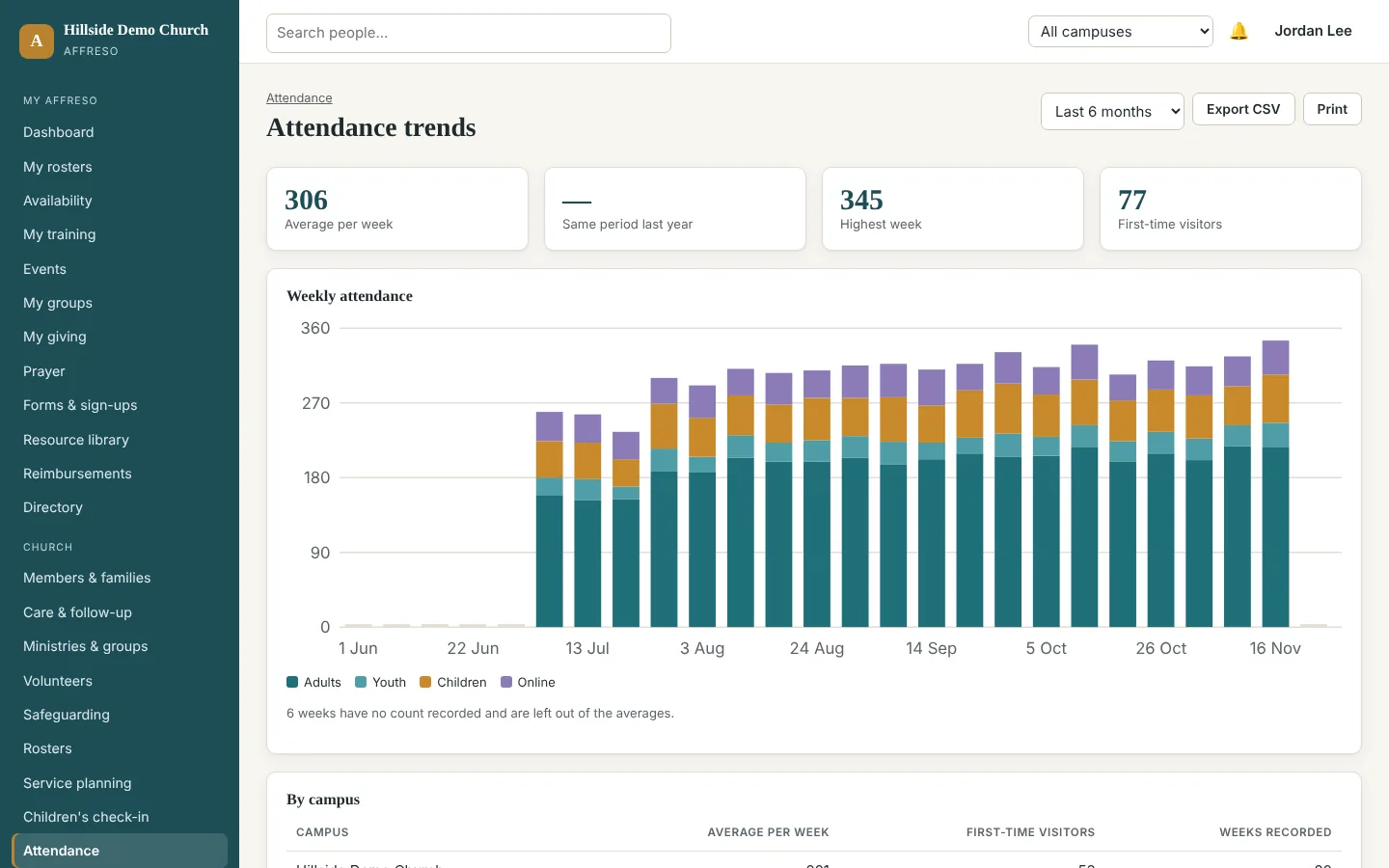
Trends & report shows a weekly chart, averages and the same period last year, and exports to CSV.
Tip: Use the same service name each week, such as “Sunday 9:30am”, so the trends line up.
Something unclear or out of date? Tell us, or try it in the demo.