 Affreso
For: Pastors and care teams
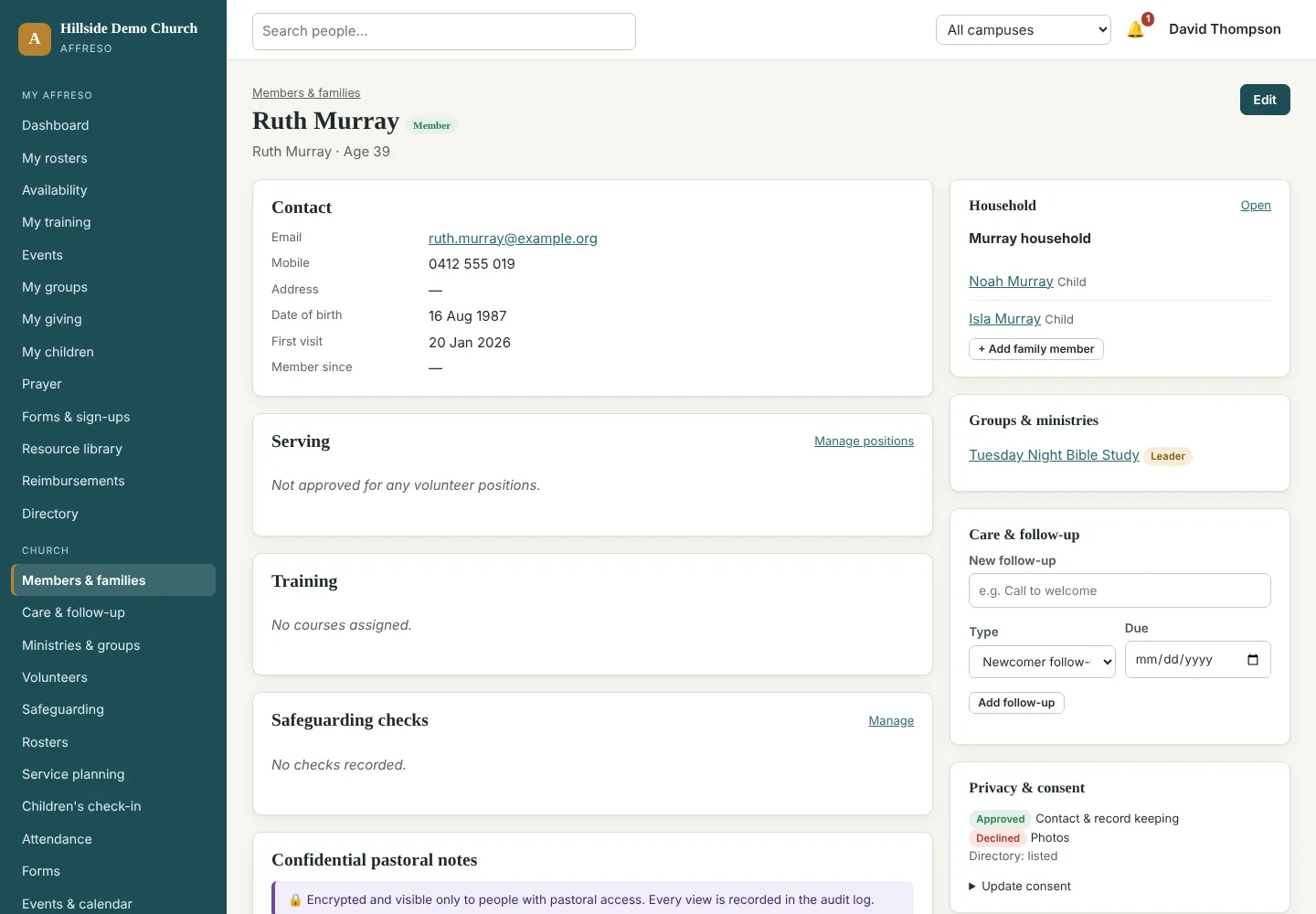
Follow-up tasks
- Go to Care & follow-up and add a follow-up: a welcome call, hospital visit, baptism enquiry or anything else.
- Assign it to the right person and set a due date. They see it on their dashboard.
- Add notes as things happen, and mark it done when it’s finished.
New connect cards create a welcome follow-up automatically for the person your church chose in Settings.
Confidential pastoral notes
Sensitive matters go in Confidential pastoral notes on a person’s profile. They are encrypted, visible only to people with pastoral access, and every view is recorded in the audit log.
Tip: Keep General notes for everyday information. Anyone who can view members can see them.
Something unclear or out of date? Tell us, or try it in the demo.