 Affreso
For: Administrators
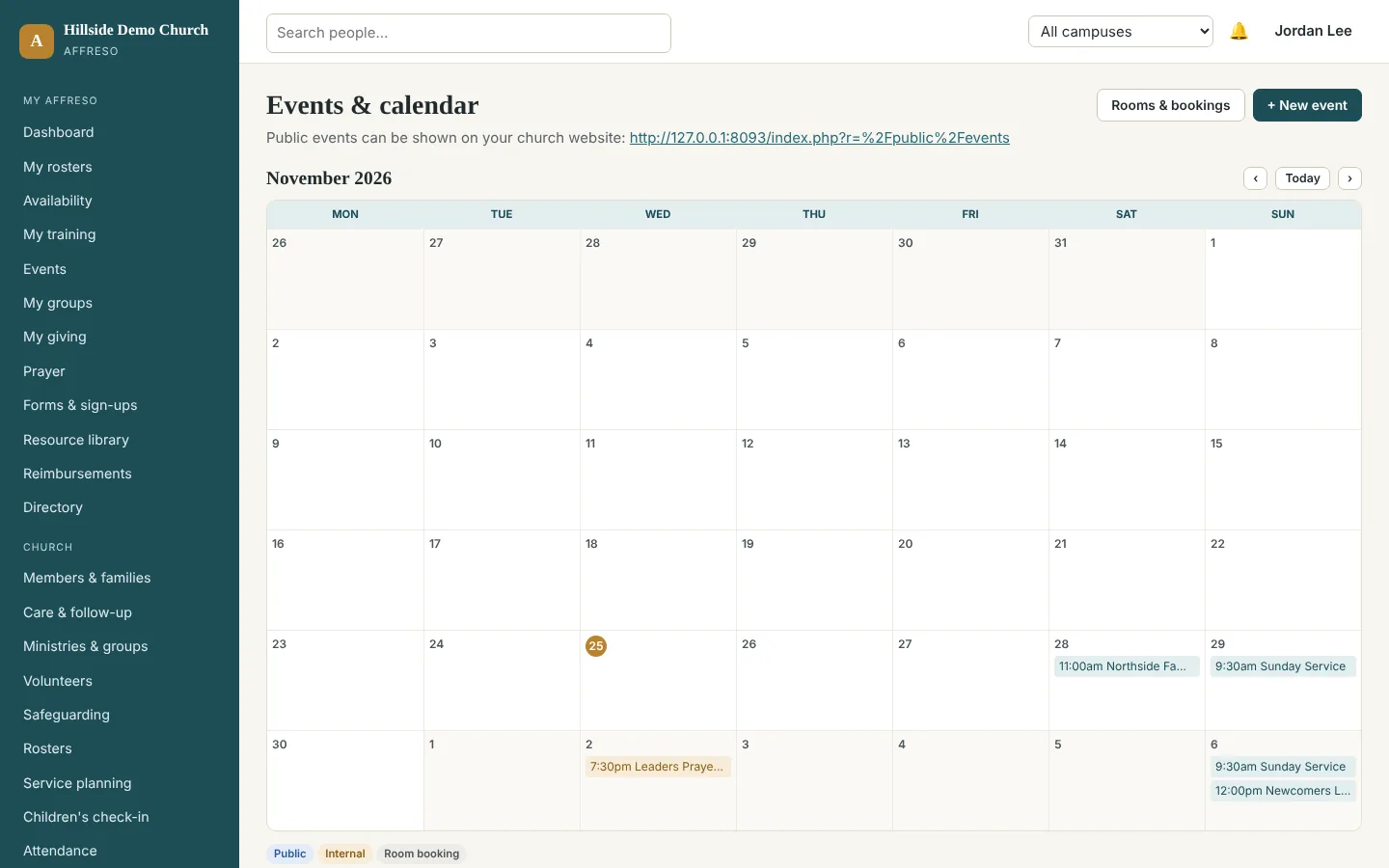
- Go to Events & calendar → New event. Add a title, date and time, location, description and category.
- Tick Public to show it on your church website’s calendar.
- To take registrations, turn them on and set a capacity. When it’s full, people join a waiting list and move up automatically if someone cancels.
- Add joining instructions; they’re emailed to everyone who registers.
- Book rooms and equipment for it. Clashes are flagged straight away.
Repeating events
Choose Repeats: weekly on chosen days, monthly on the same date, or monthly on the same weekday (such as the second Sunday). When editing one date, you can change just that date, or that date and all the ones after it.
On your website
Link to the public events page and the iCal feed from your church website. People can subscribe to the church calendar in their own calendar app.
Something unclear or out of date? Tell us, or try it in the demo.