 Affreso
For: Whoever sets up your welcome desk
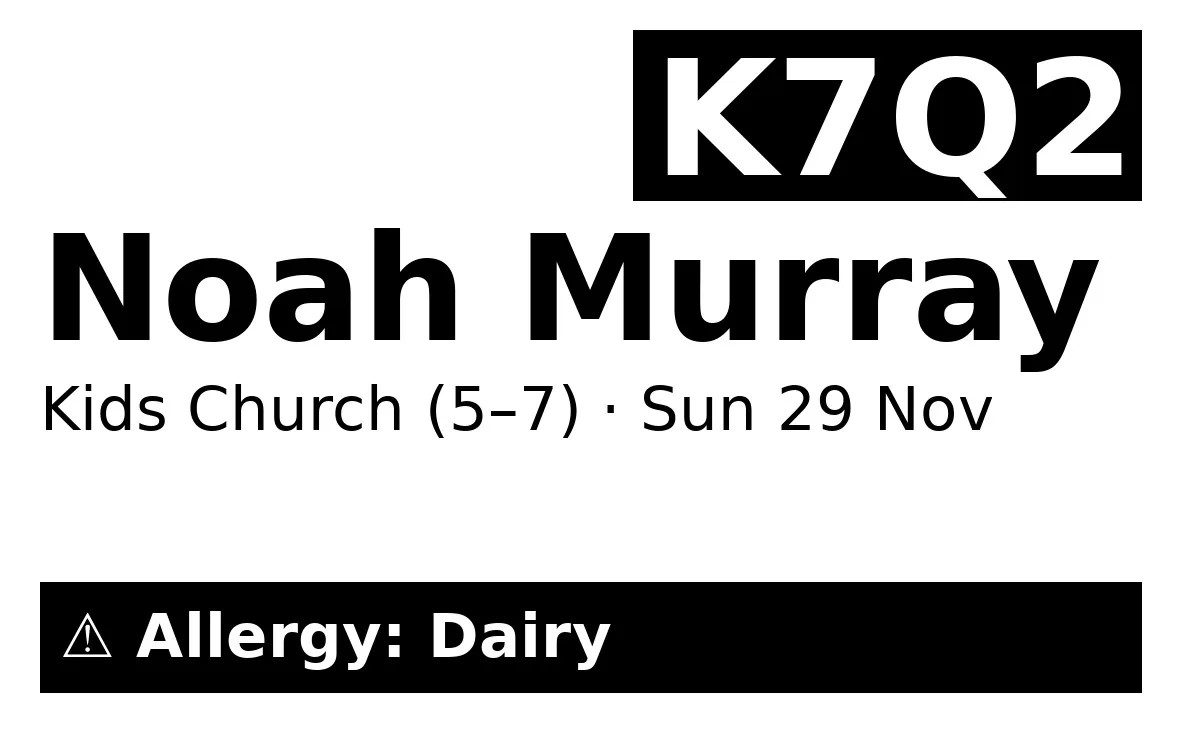
Labels are 62 × 100 mm, which suits Brother QL printers (62 mm continuous roll) and DYMO printers. Without any setup, labels open in your browser’s print window.
Silent printing with PrintNode
- Create a free account at printnode.com and install the PrintNode client on the computer the label printer is plugged into.
- In PrintNode, go to Account → API keys and create a key.
- In Affreso, go to Administration → Settings → Integrations → Label printing, paste the key and save.
- Choose the default label printer and save again, then press Print a test label.
- Optionally give each kiosk its own printer under Self check-in kiosks.
Names in Latin, Greek, Cyrillic, Vietnamese, Arabic and Persian print with the built-in font. For Chinese, Korean or Japanese names, upload a font such as Noto Sans CJK under Label font.
Something unclear or out of date? Tell us, or try it in the demo.