 Affreso
For: Worship and service leaders
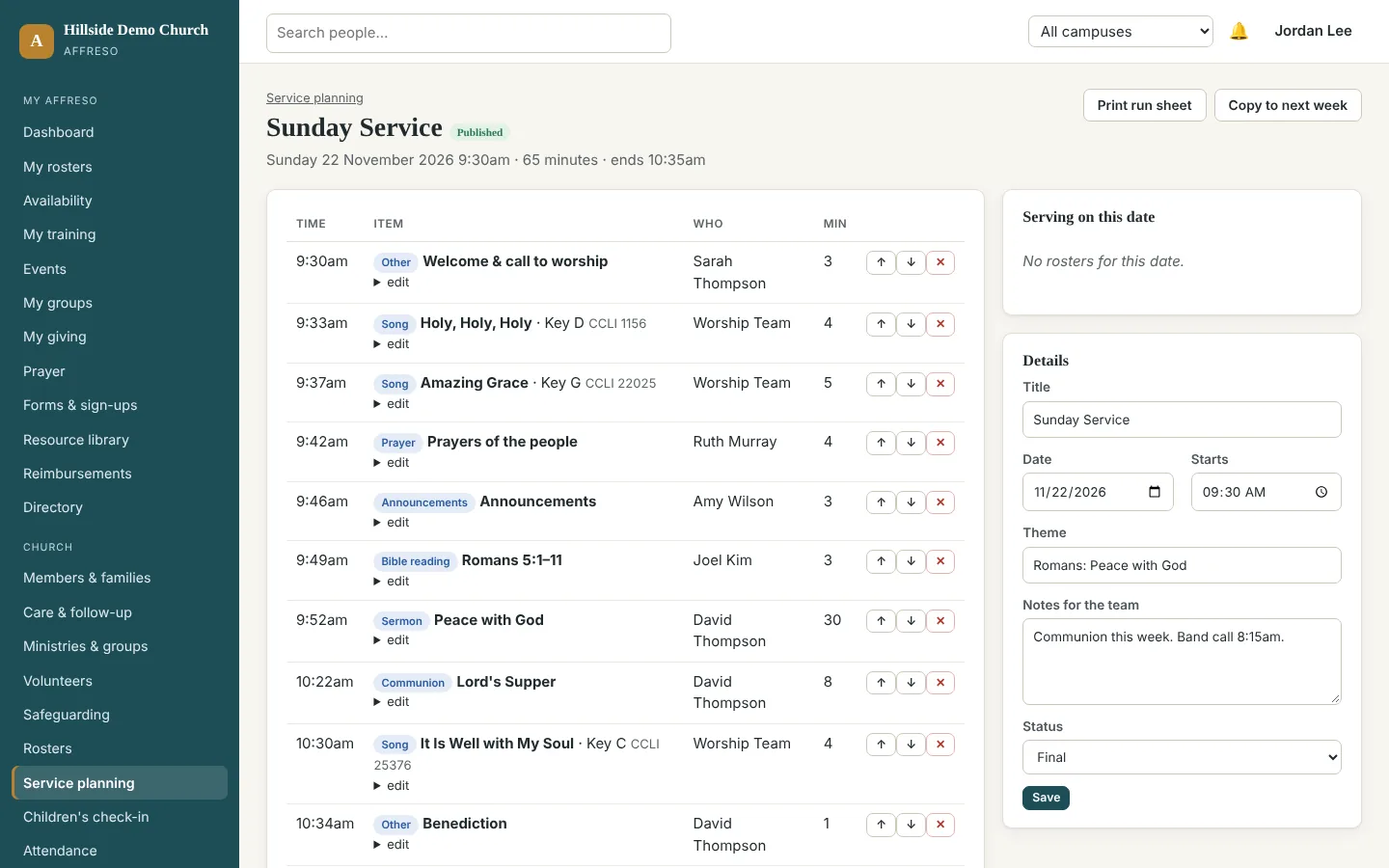
- Go to Service planning → Plan a service, or start from a standard order of service.
- Add items: welcome, songs, Bible reading, sermon, communion. Set how long each takes; running times add up for you.
- Add songs from your song list with their key and CCLI number. Lyrics aren’t stored, so add a link to your licensed source instead.
- The people rostered for that date appear alongside, so everyone can see who’s doing what.
- Press Print run sheet for the band and sound desk, and Copy to next week to start the next plan.
The CCLI report lists every song used in a period, ready for your licence reporting.
Something unclear or out of date? Tell us, or try it in the demo.