 Affreso
For: Ministry leaders and pastors
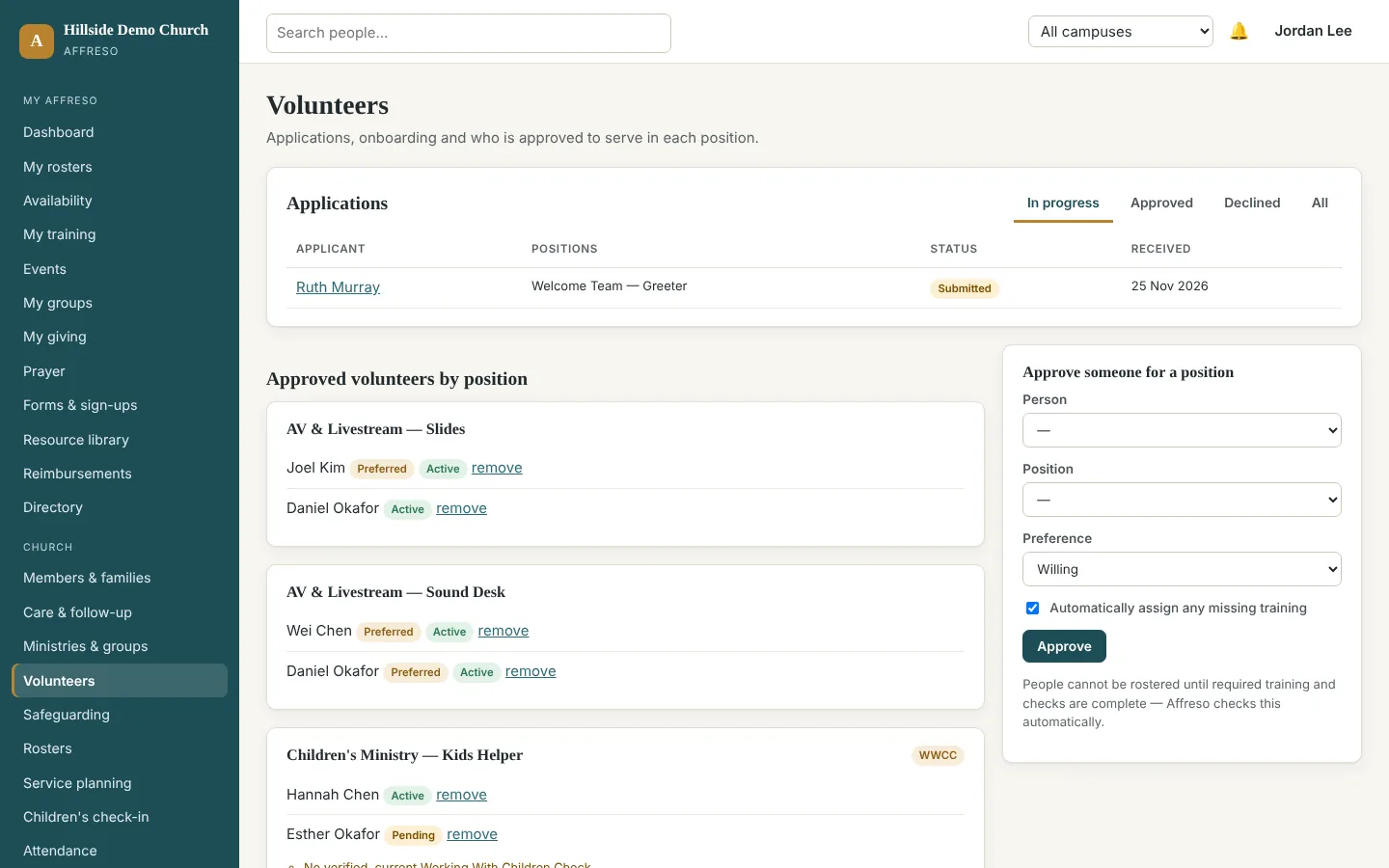
- The volunteer applies. They choose Volunteer with us in My Affreso, pick the positions they’re interested in and give their availability.
- A leader reviews. Under Volunteers, open the application and press Start review. Arrange any Working With Children Check or police check.
- Training is assigned. Press Suitable — assign training. Affreso enrols them in every course their positions require.
- The volunteer finishes training. Results are recorded and the reviewer and team leaders are told.
- The leader approves. Press Approve eligible positions. Positions with requirements still outstanding stay blocked until they’re met.
- Rostering begins. The volunteer gets invitations, reminders and access to team resources.
Tip: Each position can require courses, a current Working With Children Check, a minimum age and signed policies. Set these in the team’s position settings.
Something unclear or out of date? Tell us, or try it in the demo.