 Affreso
For: Super Administrators
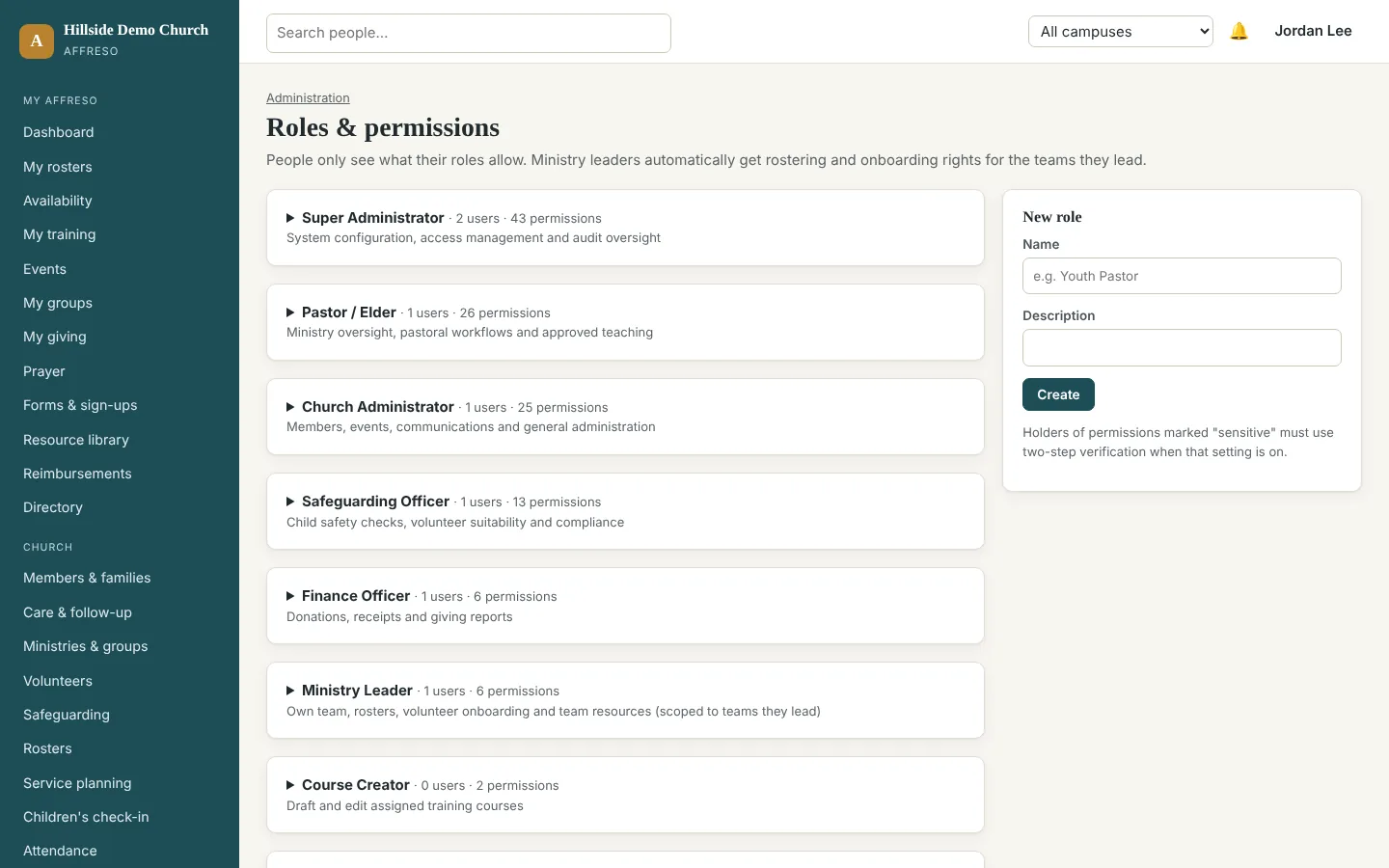
Affreso comes with roles that match how churches are organised. Each person can have more than one role.
- Super Administrator: everything, including users, roles, settings and the audit log.
- Pastor / Elder: members, confidential pastoral notes, care, groups, events, volunteer and course approval, communication and reports.
- Church Administrator: members, households, events, rooms, rosters, communication and reports.
- Safeguarding Officer: Working With Children Checks, volunteer suitability and training compliance.
- Finance Officer: giving, statements, bank imports, campaigns and paying reimbursements.
- Ministry Leader: rosters and onboarding for the teams they lead.
- Course Creator and Course Approver: writing and publishing training.
- Check-in Volunteer: checking children in and out.
- Prayer Team: prayer requests shared with the team.
- Volunteer / Member: their own profile, rosters, training, groups, events and giving.
Give someone access
- Open their profile in Members & families and press Invite to Affreso. They get an email to set a password.
- Go to Administration → Users, open the person and tick the roles they need.
- To make someone a ministry leader, add them to their team in Ministries & groups with the Leader role. Leaders automatically get rostering and onboarding rights for the teams they lead.
Change what a role can do
In Administration → Roles & permissions, open a role and tick or untick permissions. Permissions marked sensitive (such as pastoral notes or children’s medical information) require two-step verification.
Something unclear or out of date? Tell us, or try it in the demo.