 Affreso
For: Administrators and group leaders
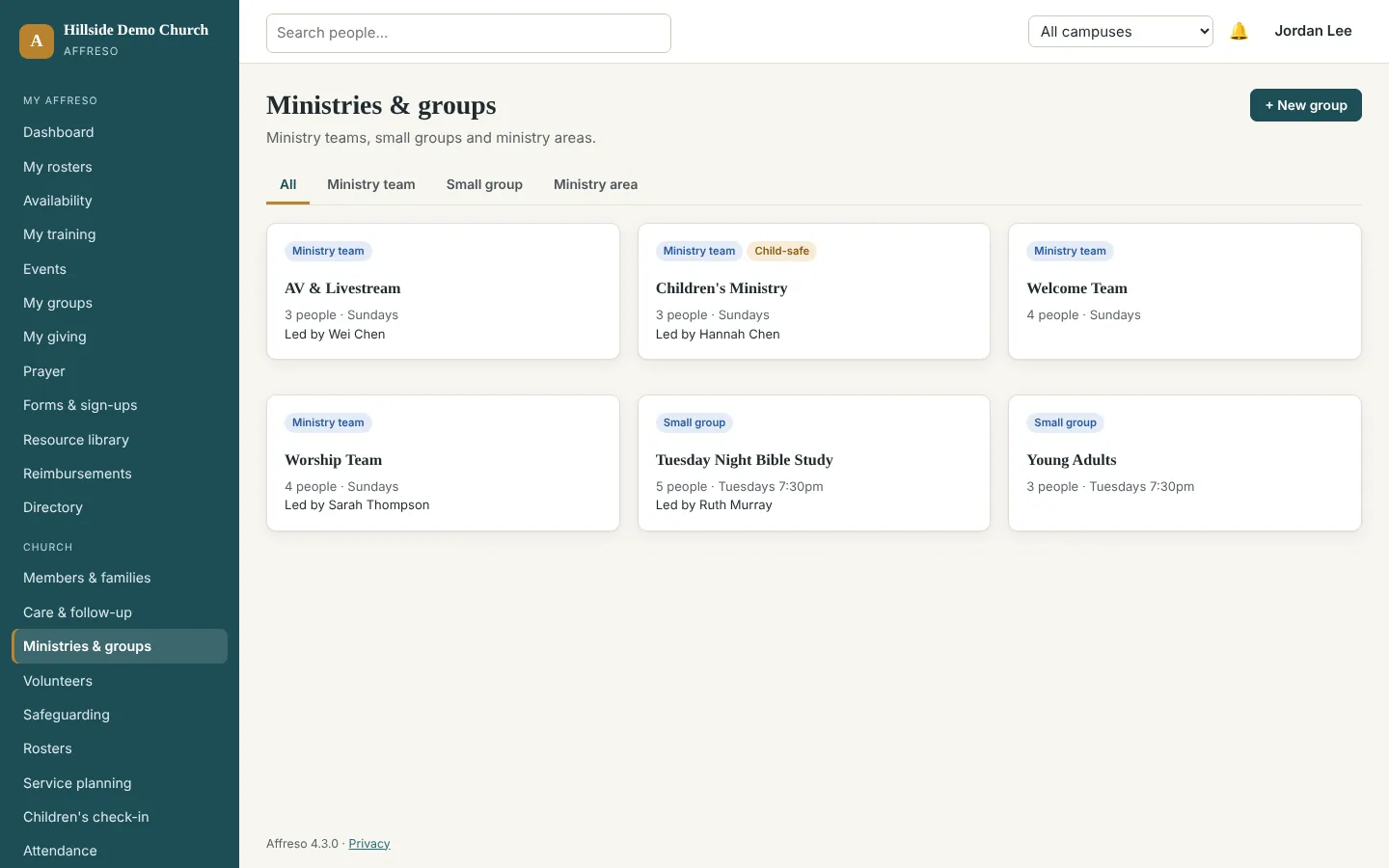
- Go to Ministries & groups → New group. Choose whether it’s a ministry team, a small group or a ministry area, and tick Child-related where it applies.
- Add members and give leaders the Leader role.
- For teams, add positions (for example Vocals, Greeter or Kids Leader) with their requirements.
- Mark a small group as open if people may join it themselves from My groups.
- Leaders record attendance for each meeting.
Something unclear or out of date? Tell us, or try it in the demo.