 Affreso
For: Administrators and pastors
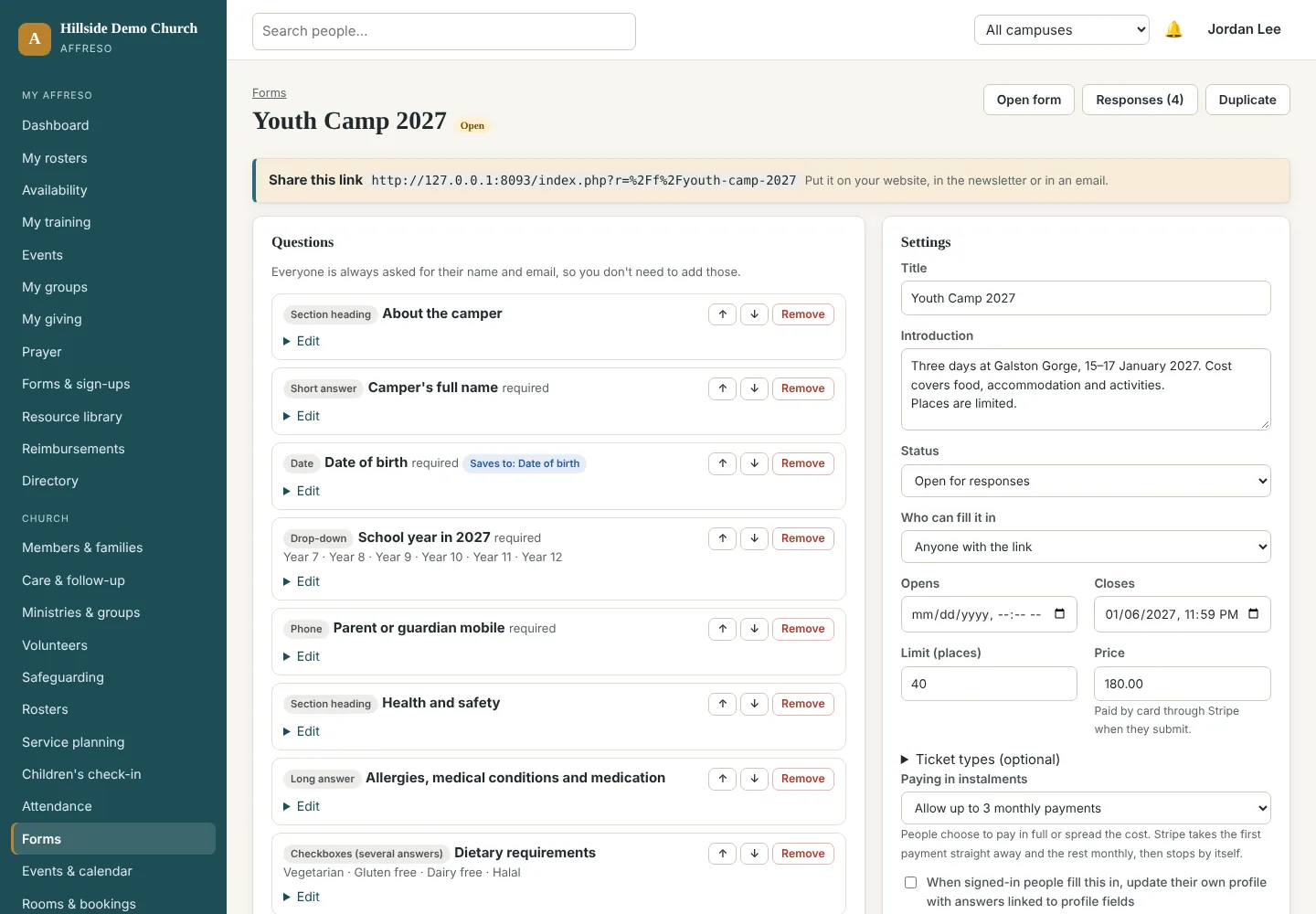
- Go to Forms & sign-ups → New form and choose a template: camp registration, baptism enquiry, general enquiry, or blank.
- Add questions: short and long answers, choices, drop-downs, dates, numbers, consent boxes and headings.
- In the settings, choose who can fill it in, open and close dates, a places limit and a price.
- Press Open for responses and share the link.
Taking payment
- Card payments go through Stripe when people submit. A response is confirmed when the payment arrives.
- Instalments: allow up to 2–12 monthly payments. The first is taken straight away; Affreso stops the plan after the last one.
- Ticket types: add tickets such as Adult, Child and Family, each with a price and the number of places it uses.
- Refunds: on a response, press Refund to send money back to the card, or record a cash or bank refund. Cancel the response at the same time, or keep it and lower the amount owed.
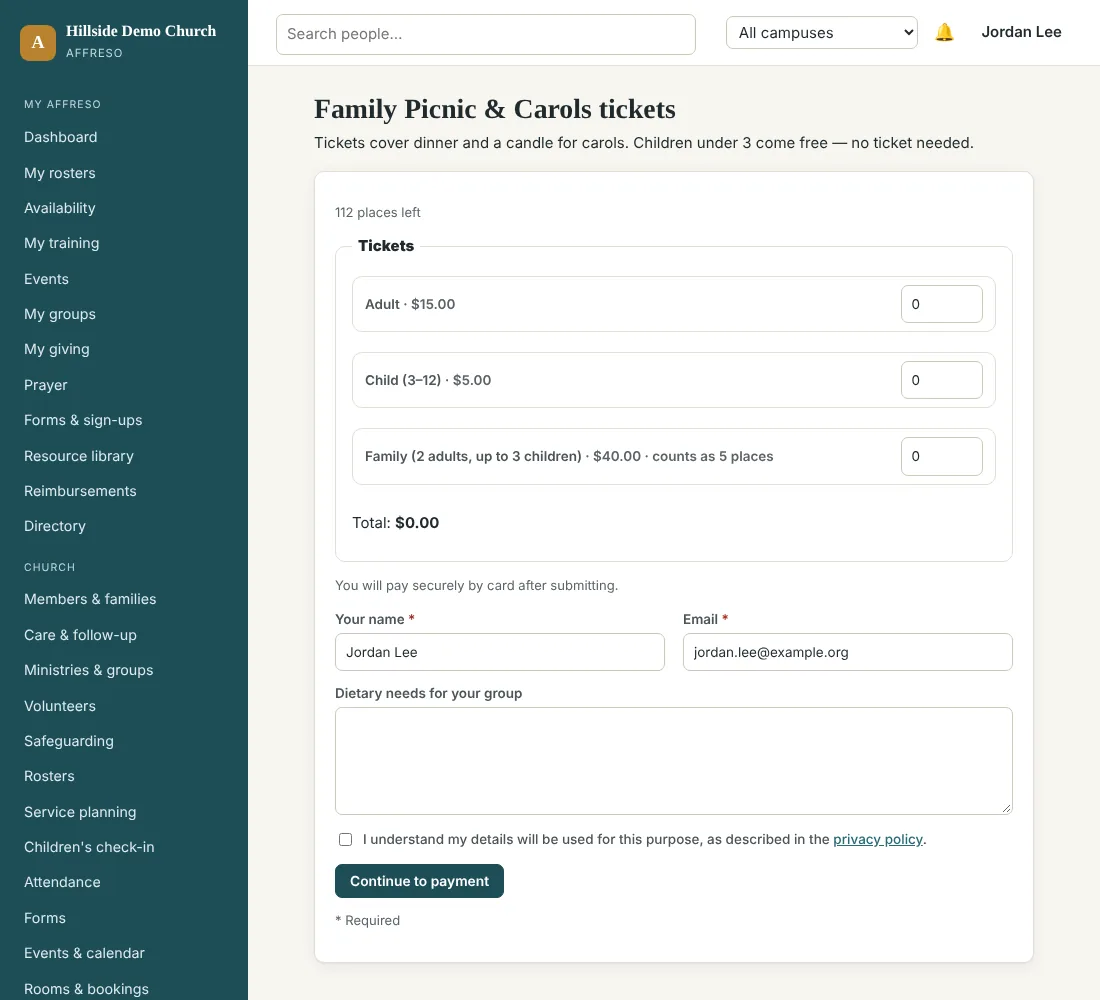
Charging for an event
Open an event and press Create a registration form. The event’s page then shows “Register and pay”, and confirmed responses appear in the event’s registration list.
Updating profiles from answers
When editing a question, choose Save the answer to a profile field, such as date of birth or mobile. On each response, Update a profile shows what will change before you save, and lets you choose whose profile it is: the parent who filled in the form, or the child going to camp.
Tip: Answers are encrypted. When an event is over, use Delete all responses, especially for camps where health details were collected.
Something unclear or out of date? Tell us, or try it in the demo.